Claim your Anarchapulco event NFT, exclusive to Anarchapulco 25 attendees. 

Deadline to claim: May 1, 2025

 
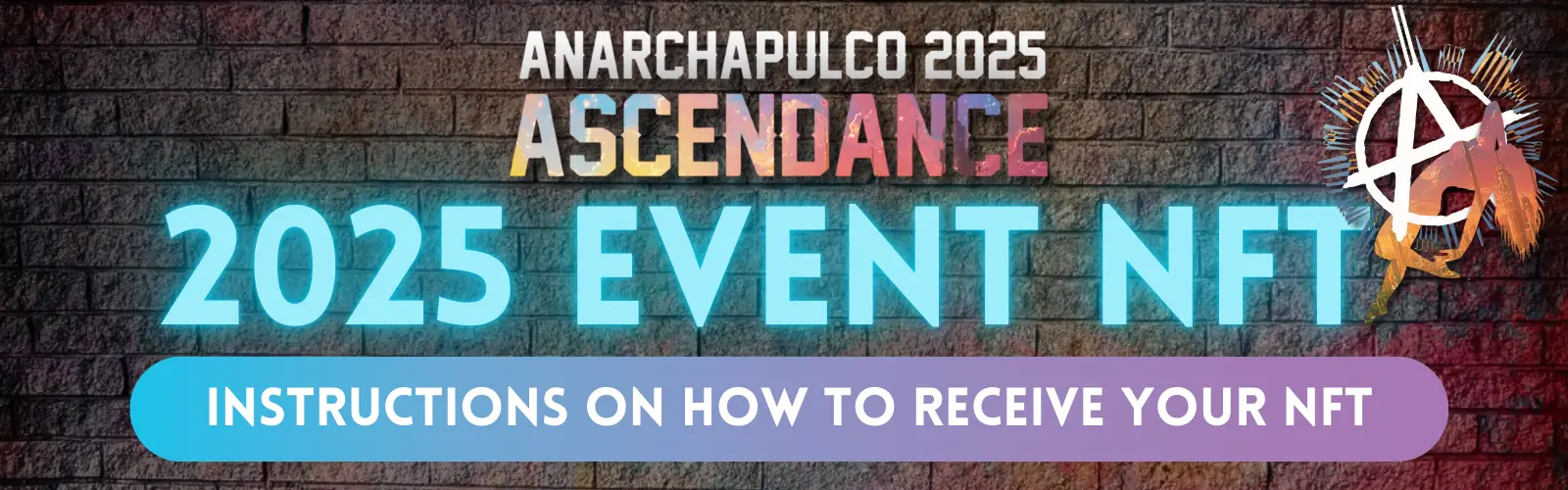
Anarchapulco 2025 animated NFT

The 2025 Anarchapulco Event NFT 

Designed by Ulysses XYZ


The NFT references iconic themes of the conference, in particular The NFT references iconic themes of the conference, in particular the ascendence of Jeff's beloved companion Lucy and the campaign to free Roger Ver from his current persecution from the state. The NFT also celebrates the long-awaited release of Ross Ulbricht after more than 11 years in prison for creating the anonymous marketplace, the Silk Road in 2011. 


To find out everything you need to know about NFTs, join one of our upcoming, free NFT masterclasses. 

Instructions to receive your NFT


Send your Metamask address (see instructions below) to nfts@anarchapulco.com from your registered email address with 'Anarchapulco 2025 NFT' in the email title. 


Sign up before May 01, 2025.


Strictly one NFT per Anarchapulco registered email. 


Step 1.

Download Metamask wallet 

Metamask will appear as a mobile phone app

or as an extension in your browser. 

For help downloading see video below or 


Ensure you keep a copy of your Metamask seed phrase safe immediately on creating your account and prior to sending someone your Metamask address.  

For guidance on how to do this see this short video.

 Step 2. 

Send your Metamask address to NFTs@anarchapulco.com 


  Open your wallet via the mobile app or by clicking on the Fox icon to the right 

of your browser search bar. 


It will open as a pop-up window. 


If the Fox icon is not available, click on the Jigsaw icon, then on Metamask. 


Click on the wallet address to copy and send to us at NFTs@anarchapulco.com. 


For more guidance see the videos below, or
Congratulations! 

Your NFT will now be sent to you.  

You will receive a confirmation email once transferred. 


 For any queries, email us at NFTs@anarchapulco.com.

Video 1: How to download and install Metamask wallet. 


Video 2: How to pin Metamask wallet to your browser search bar


Video 3: How to find and copy your Metamask address

Scroll to Top